Guest Feedback
Who is this article for?
Account owners, or team members whose role has:
- Guest feedback turned on
- Take orders, Sales shifts or All orders
Set roles in All apps > Setup > Roles.
Included in every plan.
Feedback reaches you before it reaches a review site. Guests say whether they had a good visit and what went wrong, and your team can call them back while it still matters.
How guests leave feedback
- After ordering from their phone: the order screen asks How was your visit?
- From the receipt: printed and emailed receipts carry a QR code for feedback on that order
- From a feedback QR: a code you print for tables or the door, at your self-order link with
?s=reviewat the end
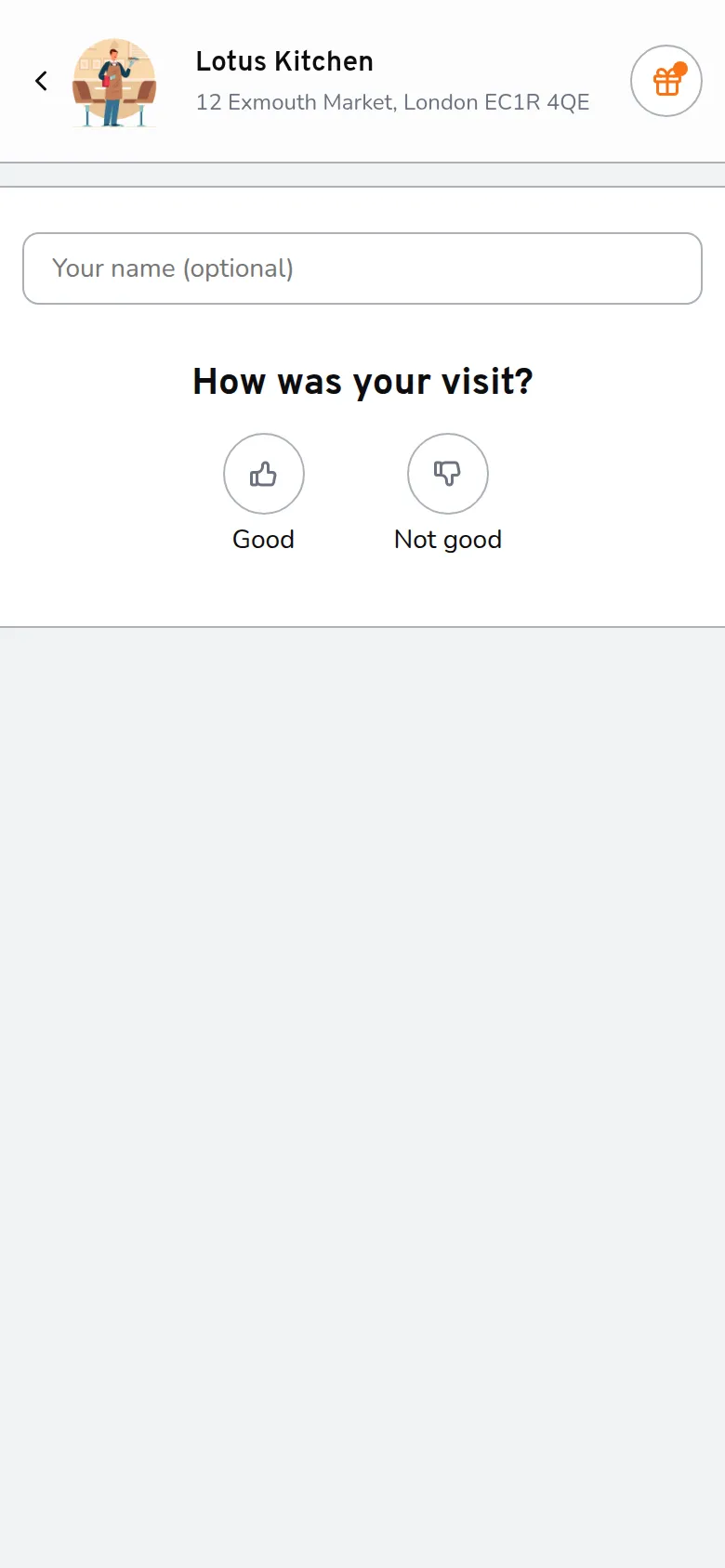
Step 1/4The guest taps good or not good
- The guest taps good or not good
- They pick what was great or what went wrong, and add a comment if they like
- They tap Submit feedback
After a bad visit they can ask a manager to get in touch.
Read feedback
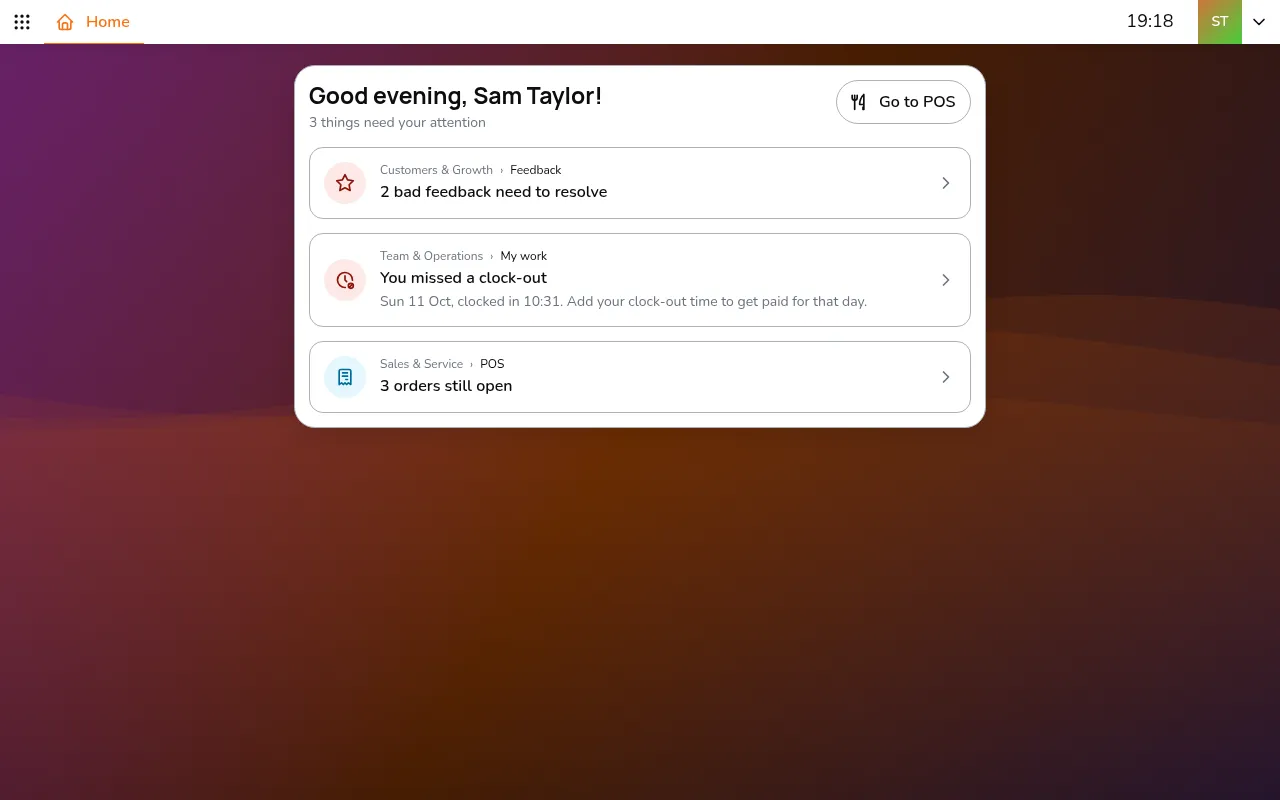
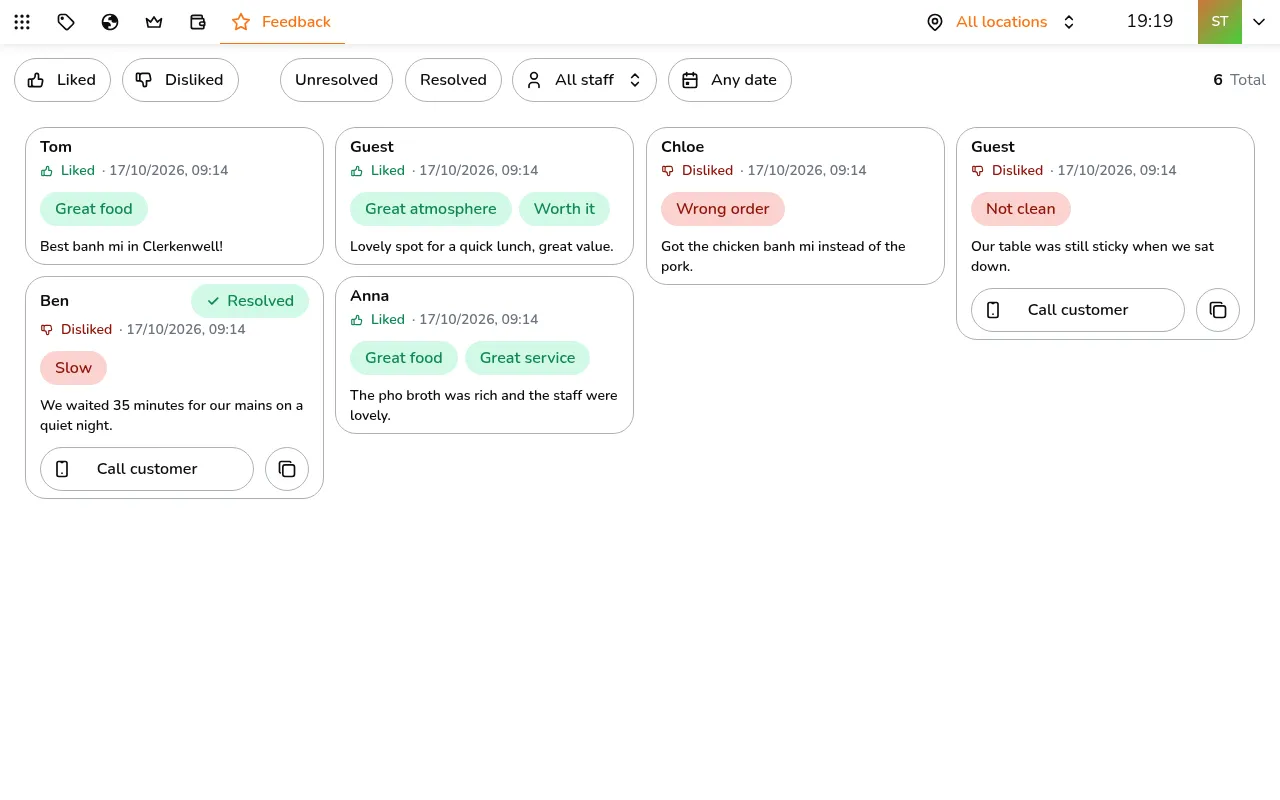
Step 1/11Go to All apps > Customers & Growth > Feedback. Each card shows the guest, whether they liked it, what they picked, their comment, and the staff member and order when there is one
- Go to All apps > Customers & Growth > Feedback. Each card shows the guest, whether they liked it, what they picked, their comment, and the staff member and order when there is one
- Use Call customer when they left a phone number
- Filter by Liked, Disliked, Unresolved or Resolved, by staff member, or by date
Resolve a complaint
Step 1/4Tap the feedback
- Tap the feedback
- Tap Resolve
- Note what you did, such as calling the guest or offering a dessert
- Tap Resolve
Good feedback is resolved by itself. Each new complaint is emailed to the owner and to everyone with Guest feedback at that store. If a guest edits their feedback, it opens again.