Deliveries, Waste, Counts and Transfers
Who is this article for?
Account owners, or team members whose role has:
- Stock movements set to View to see movements, or Manage to record them
Set roles in All apps > Setup > Roles.
Included in the Grow plan.
Stock changes only through movements, so every change has a date, a reason and a person behind it. Sales take stock off by themselves when stock deduction is on; everything else is recorded here.
See the movements
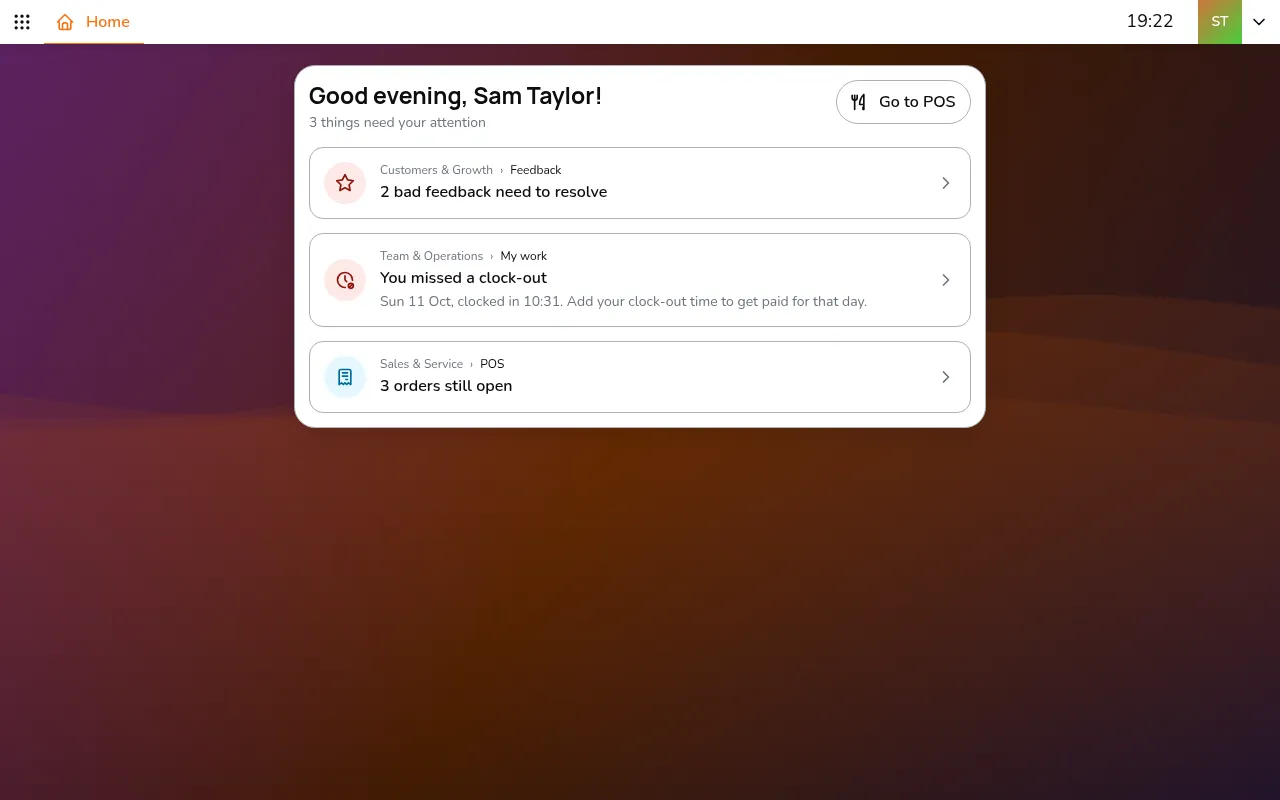
Step 1/8Go to All apps > Inventory & Purchasing > Stock movements
- Go to All apps > Inventory & Purchasing > Stock movements
- Pick the store. Each movement has a code, a date, its type and where the stock went. A movement still waiting shows its next step, such as Receive goods
Record a movement
Step 1/15Tap Add movement and pick the type. Show more types reveals the rest:
- Tap Add movement and pick the type. Show more types reveals the rest:
- Goods receipt: stock delivered by a supplier
- Production: turn ingredients into something you make, using its recipe
- Stock transfer: send stock to another store
- Adjustment: correct the count, such as after a stock count or a breakage
- Goods issue: stock used up or thrown away, such as staff meals, damage or expiry
- Fill in the Movement date, the supplier or the stores, and a note
- For a delivery, add photos of the invoice
- Under Line items, tap Select items and enter each quantity and total, plus expiry dates or a reason where asked
- Tap Create. The movement is saved as a draft
- When the goods are really there, tap Receive goods (or Issue goods, Complete production, Confirm adjustment). This is what changes the stock, and it cannot be undone
A transfer takes two steps: Start transfer takes the stock out of the first store, and Receive goods at the second store puts it in.
Good to know
- Only drafts can be edited
- A delivery updates each item's average cost
- The movement date can be in the past, for deliveries entered late