Suppliers
Who is this article for?
Account owners, or team members whose role has:
- Suppliers set to View to see suppliers, or Manage to add and edit them
Set roles in All apps > Setup > Roles.
Included in the Grow plan.
Each supplier keeps its contact details and its price for each item. Deliveries and purchase orders use these prices, and suggested orders go to the supplier with the best one.
Add a supplier
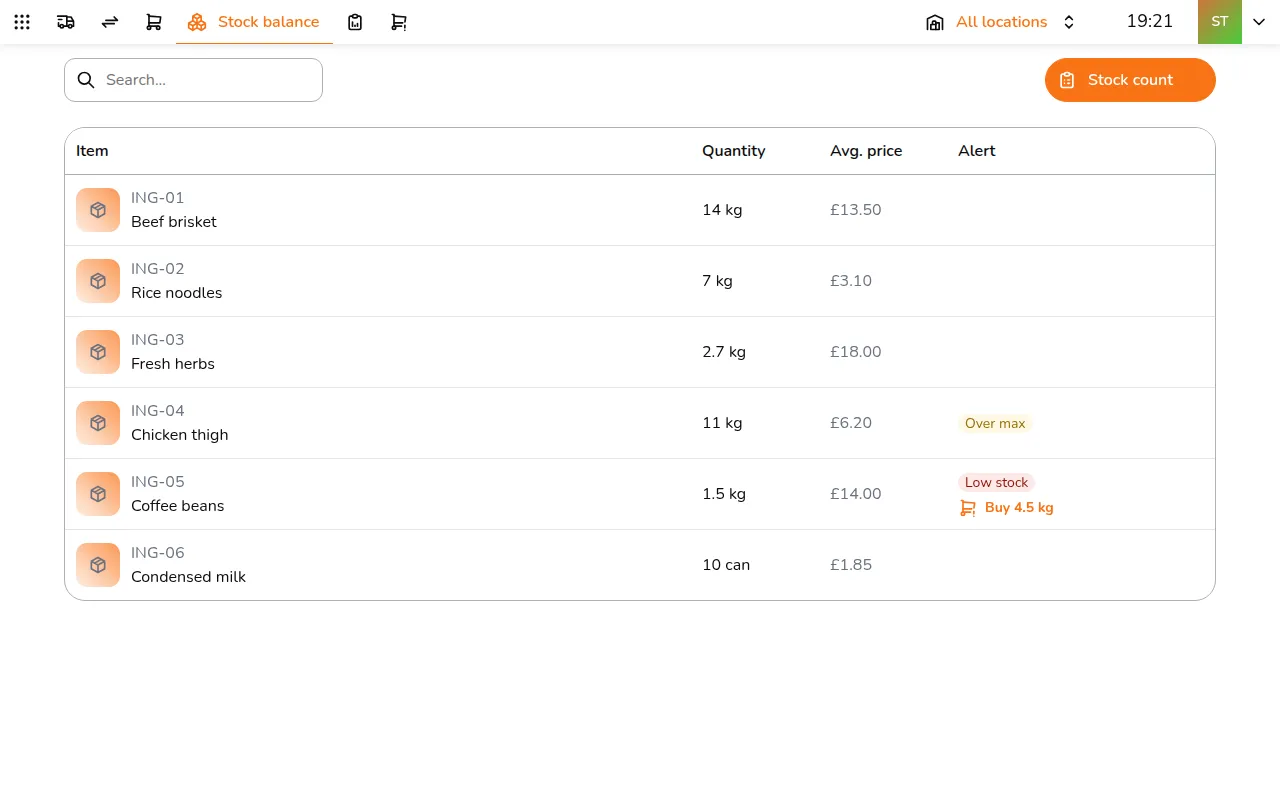
Step 1/9Go to All apps > Inventory & Purchasing > Suppliers
- Go to All apps > Inventory & Purchasing > Suppliers
- Tap Add supplier
- Enter the Name and, if you have them, the phone, email and address
- Tap Create
Add what they sell
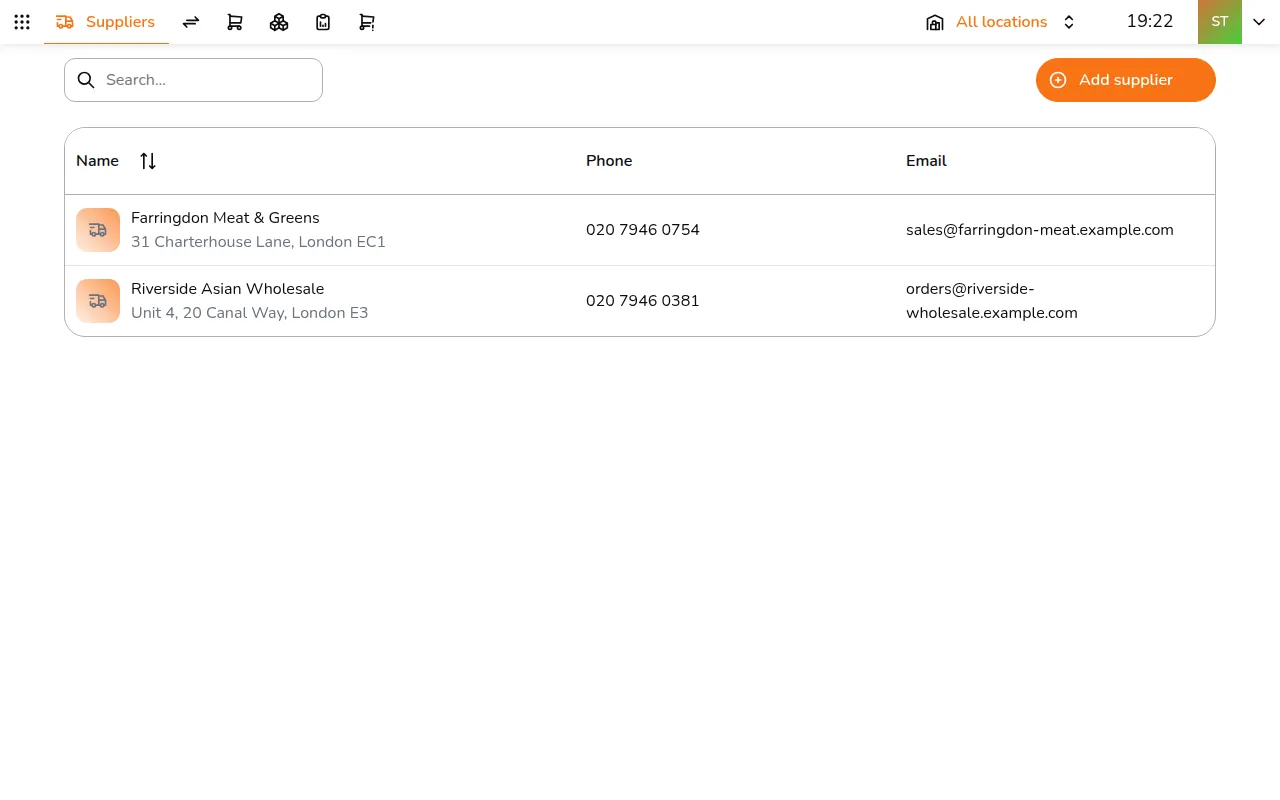
Step 1/6Open the supplier again
- Open the supplier again
- Under Items, tap Add item and pick the items
- Type the Price / unit for each. Prices save as you type
Each item has one price per supplier. If two suppliers sell the same thing, suggested orders pick the cheaper one.