Order History
Who is this article for?
Account owners, or team members whose role has:
- All orders, to see orders from every sales shift
Set roles in All apps > Setup > Roles.
Browse and search all past orders.
Find an order
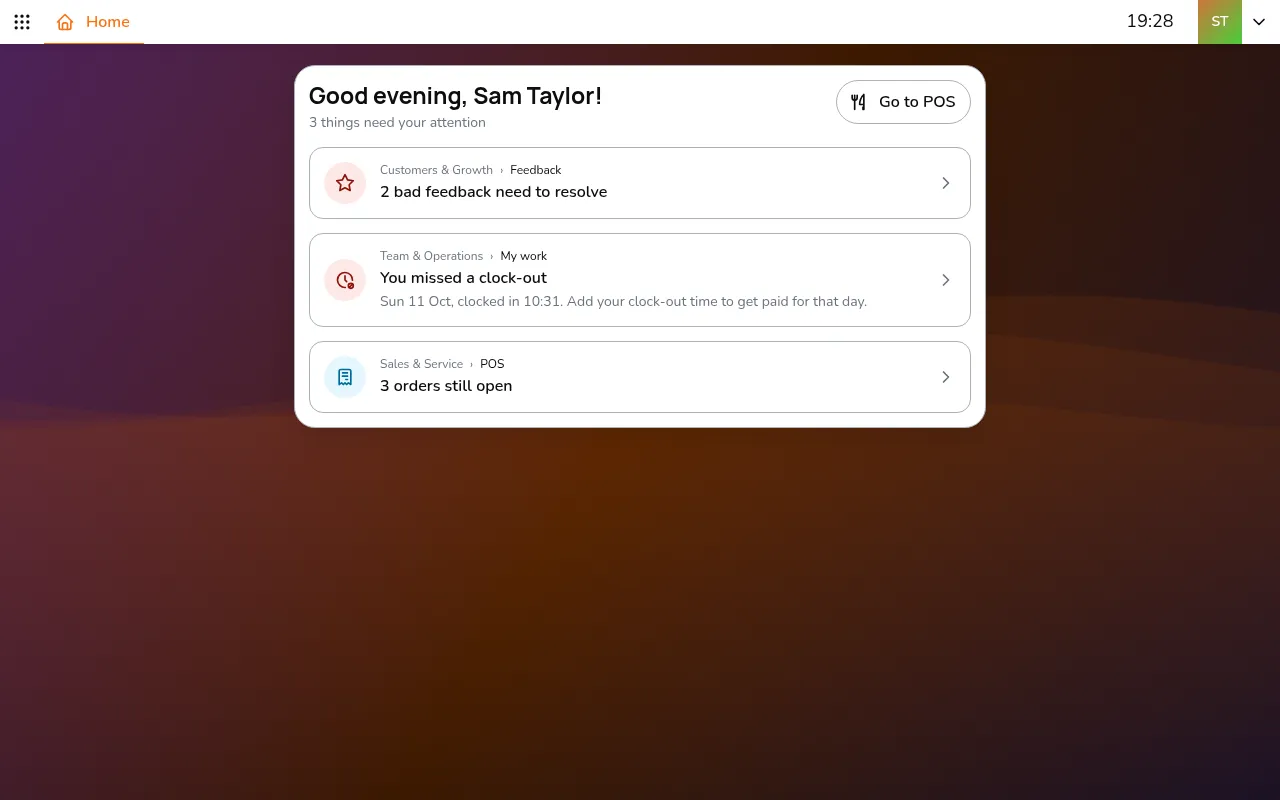
Step 1/6Go to All apps > Sales & Service > Order history
- Go to All apps > Sales & Service > Order history
- Type an order number or the guest's name in the search box
- Tap the order to see its details
On a computer or tablet the details open next to the list. On a phone they fill the screen.
Filtering
Tap Filter to narrow the list, then tap Apply:
By date:
- Today
- Yesterday
- This week
- This month
- Custom, for a date range
By status:
- Draft
- In progress
- Completed
- Cancelled
- Booked
By order method:
- Dine in
- Take away
- Delivery
By source:
- EatClub
- NeoTaste
- In-house, for orders no platform sent
More actions
Tap ⋯ in the order's header for more actions:
- Print receipt, and Send receipt email when the order has the guest's email
- View customer cart: what a guest ordering from their phone put in their basket
- Mark as ongoing: reopens a completed order, for example to change it. It needs Voids in the role
- Issue refund: refunds a paid order. See Refunds for details
- Online refund: for a Dojo card payment, sends the money back to the same card without a card reader